Material request
The site chief raises a request from the phone: what, how much, by when.
Home / Procurement and approvals
Construction procurement software takes a material request from site through approval to bids, order and delivery, and shows whose hands each step is in. In Endaze the chain runs from one document: the request follows your approval order, bids are compared side by side, the order is created with one click, and delivered material goes into stock while its amount posts to project cost by cost code.
Each step is built from the previous one; nothing is typed twice and no document drops out of the chain.
The site chief raises a request from the phone: what, how much, by when.
The document goes to the right people in the order your company set.
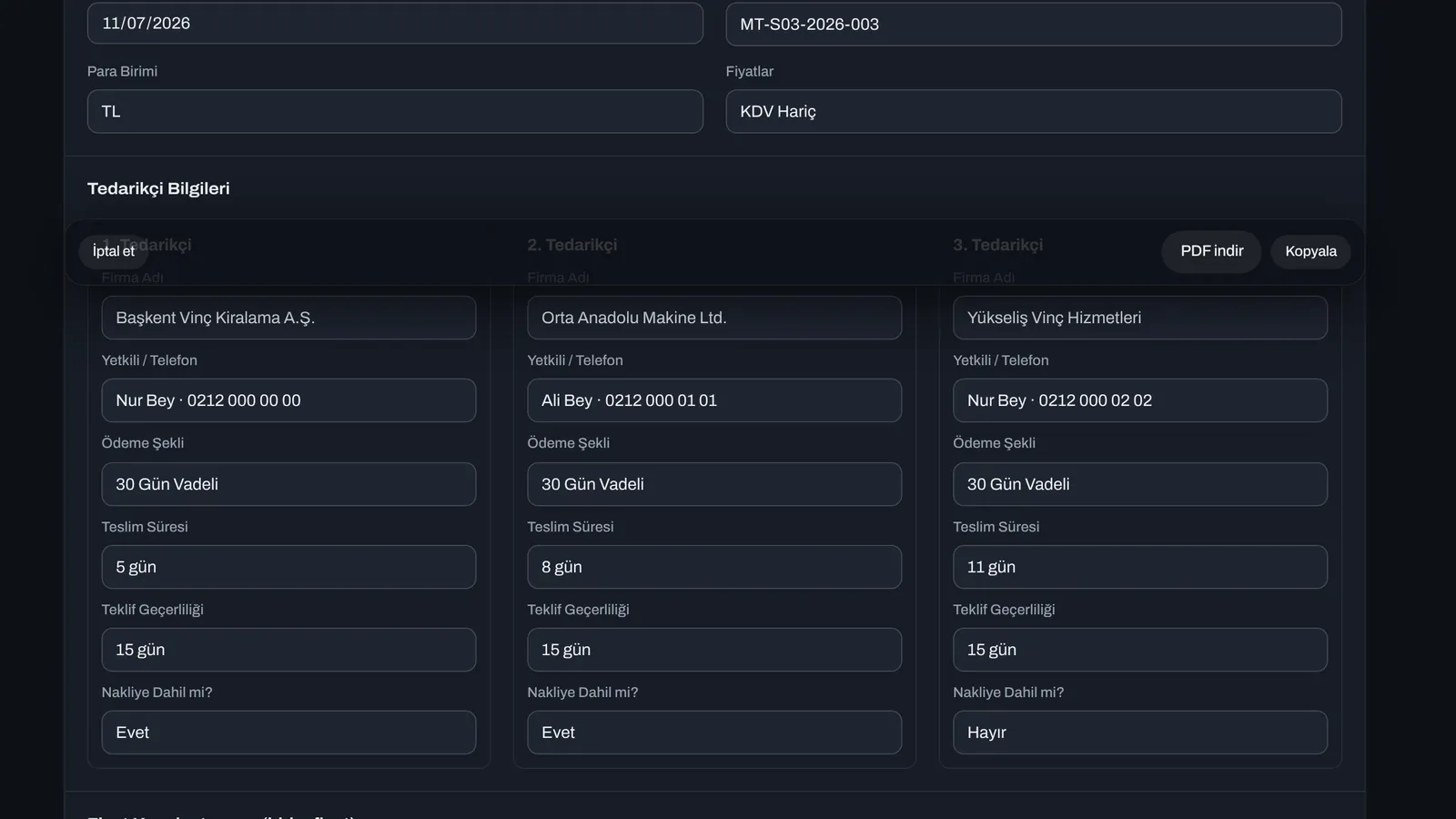
Supplier bids side by side; pick the best for each line with one click.
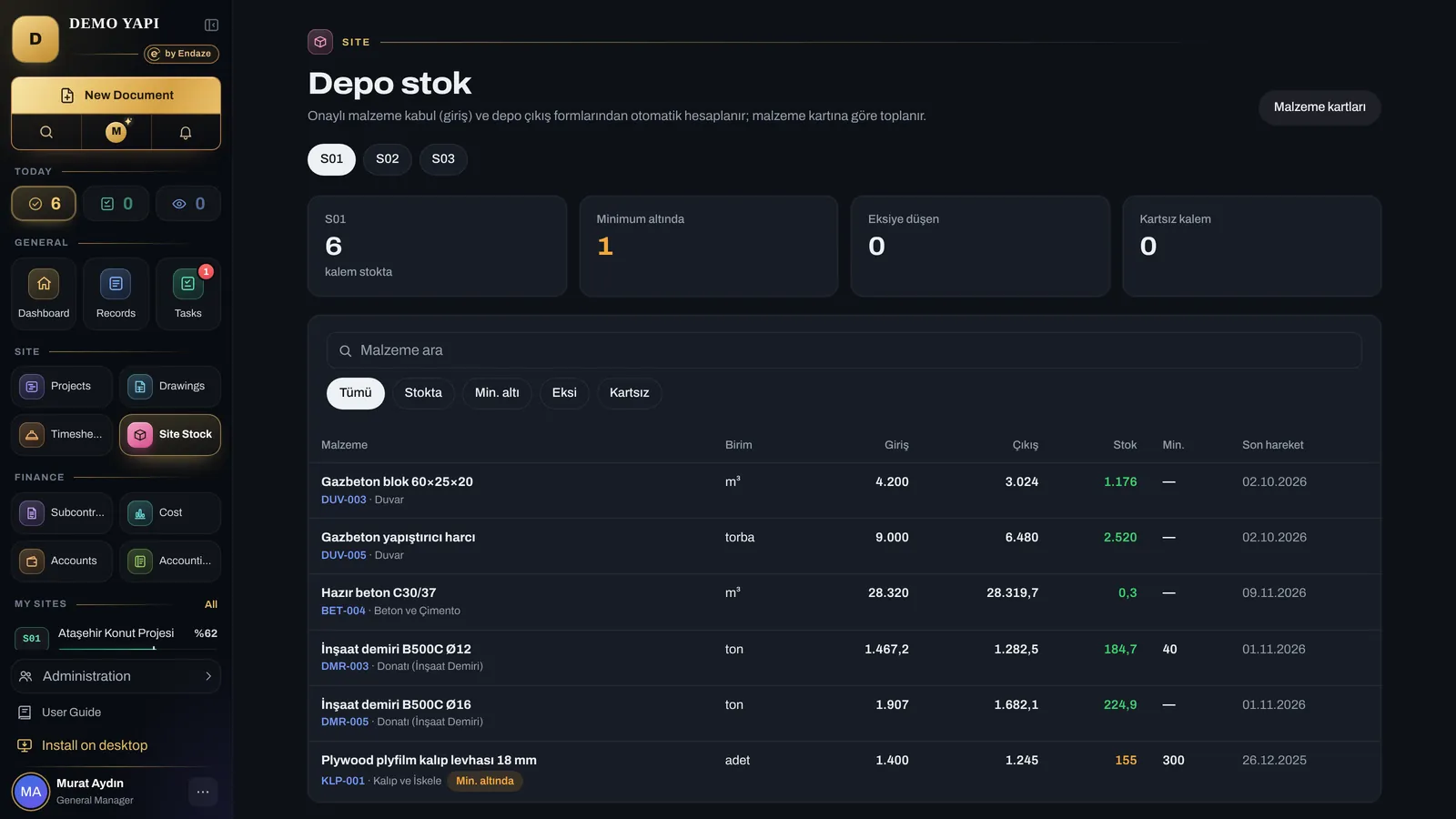
The order is created with one click; the quantity received goes into stock.
The amount posts to cost by cost code, and the supplier payable to accounts.
Who approves what, in which order, is your company's rule, not the software's.
For material requests, orders, billing and every other document type, the approving roles and their order are set in the admin screen.
The same document type can follow a different approval order on each site.
If nobody holds a step's role, the document moves up a level.
Pending documents arrive as notifications; a manager approves from the phone or rejects with a reason.
Every approval, rejection and cancellation request is kept with who did it and when.
No single person can cancel an approved document; two of the General Manager, Project Manager and Technical Office Manager must agree.
Procurement is not a separate ledger. Once an order is approved, the part not yet delivered shows in the cost report as open commitment; on delivery, stock goes up, the amount posts to actual cost by cost code and the supplier payable to accounts.
Yes. For each document type you choose the approving roles and their order in the admin screen; sites can have different workflows.
Supplier bids are entered side by side in one document: price, payment terms, delivery time, validity and transport. The best bid for each line is picked with one click, and the order is built from that choice.
The goods-received document records the quantity actually delivered. The undelivered part of the order stays in the cost report as open commitment.
No. The system comes with about 1,200 material cards; search handles Turkish characters, word order and small typos. A material without a card can be typed freely and linked to a card later.
It is never deleted. You open a revision or request cancellation; cancelling an approved document needs two of the General Manager, Project Manager and Technical Office Manager. Linked documents are resolved first.
Leave your details and we will get in touch. The demo is filled with a fictional construction company's three projects; we will open and approve documents together and show how they post to cost and accounts.
We would like to use Google Analytics, Google Ads, Meta (Instagram) and LinkedIn cookies to improve the site and our ads. The site works the same if you decline. Details